Path & Wave Designer Demo
A downloadable tool for Windows
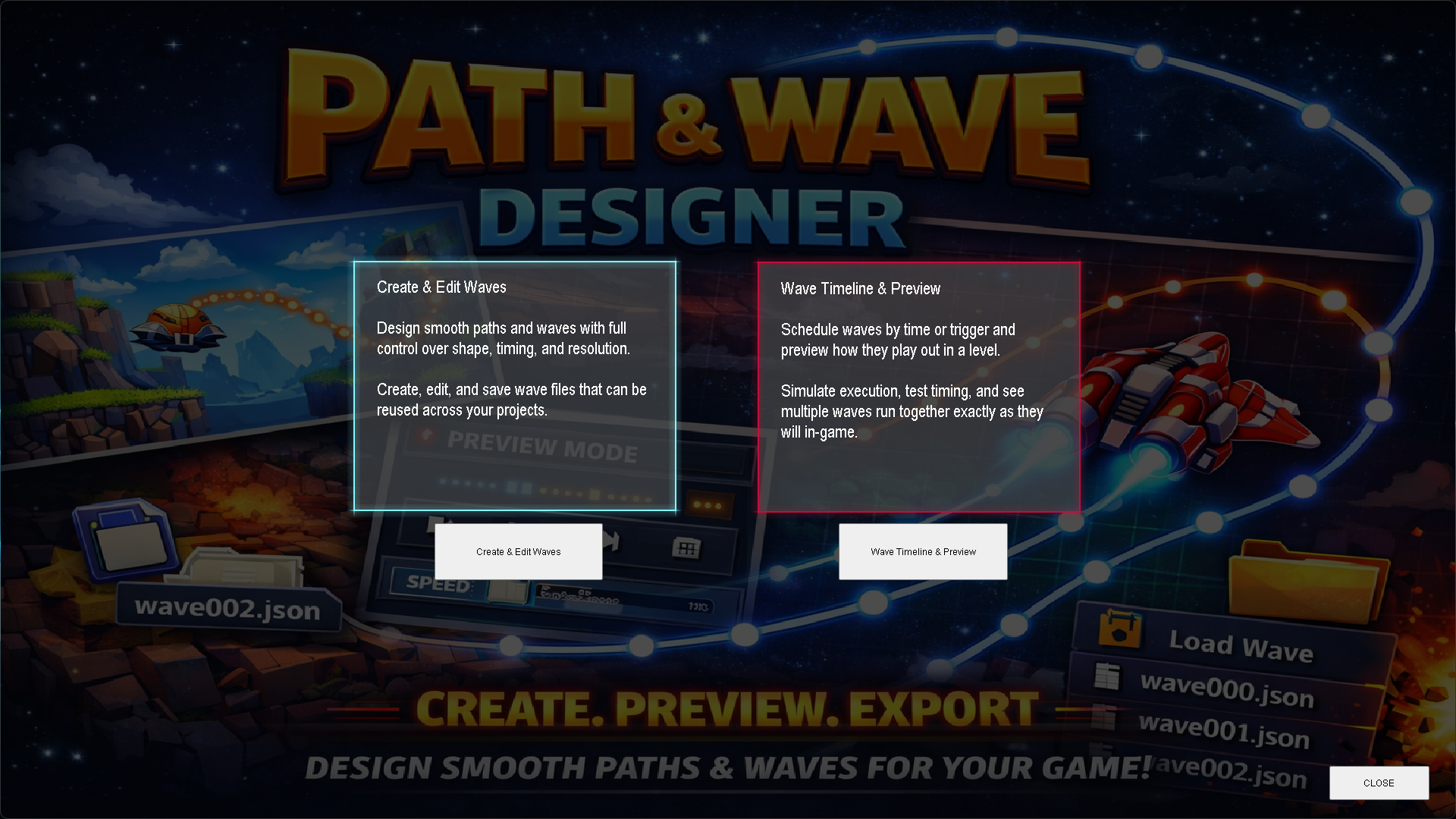
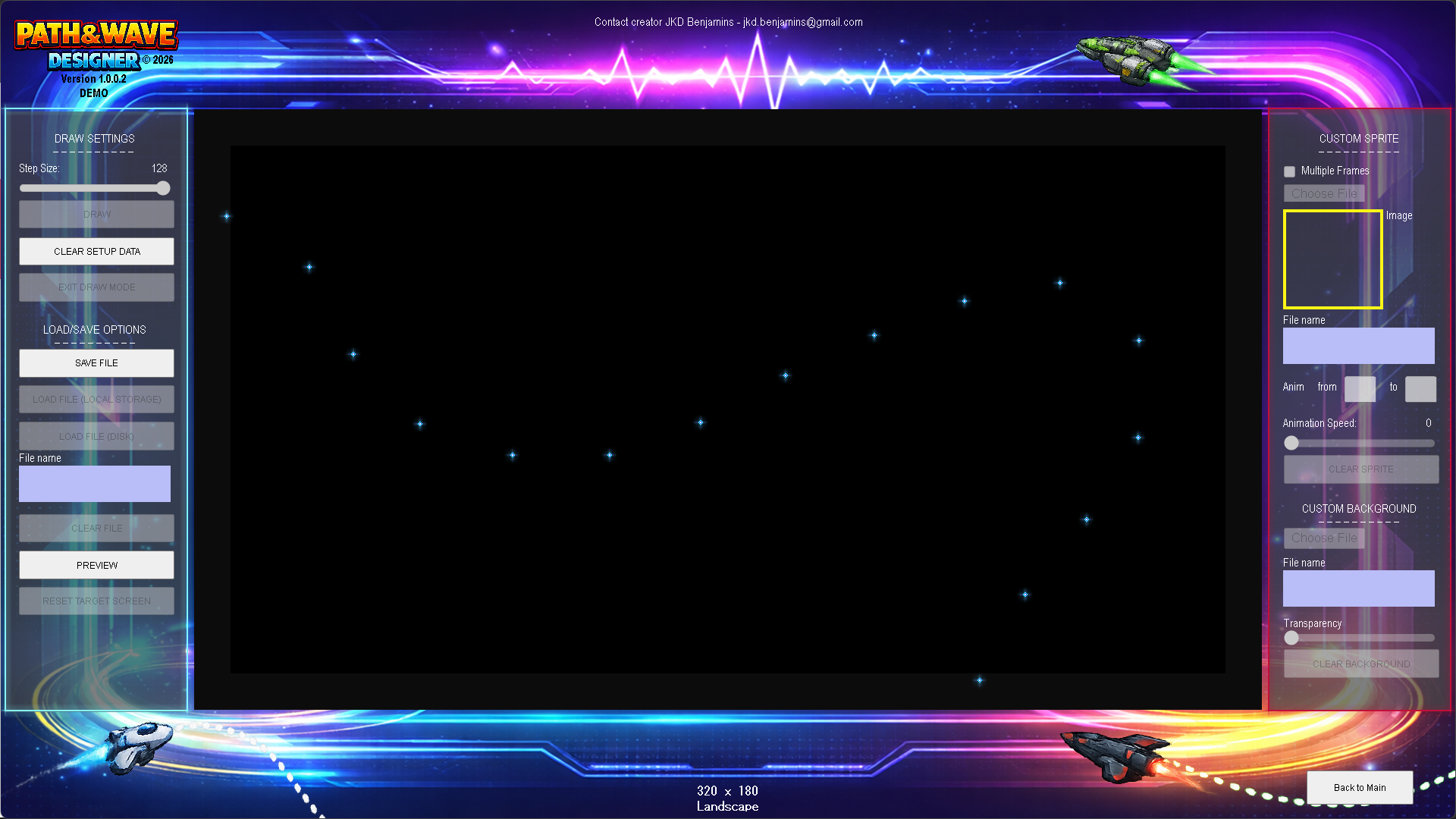
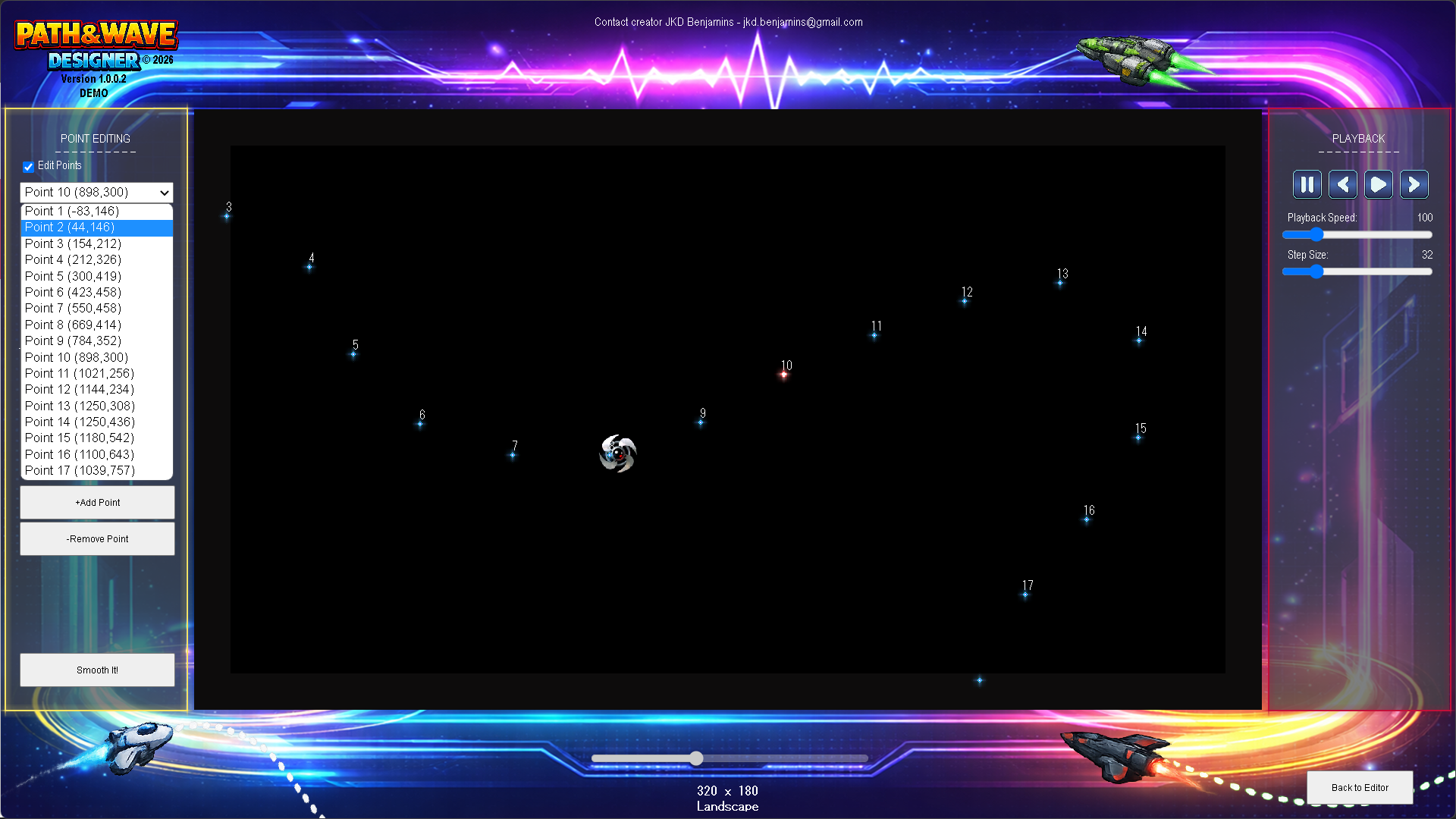
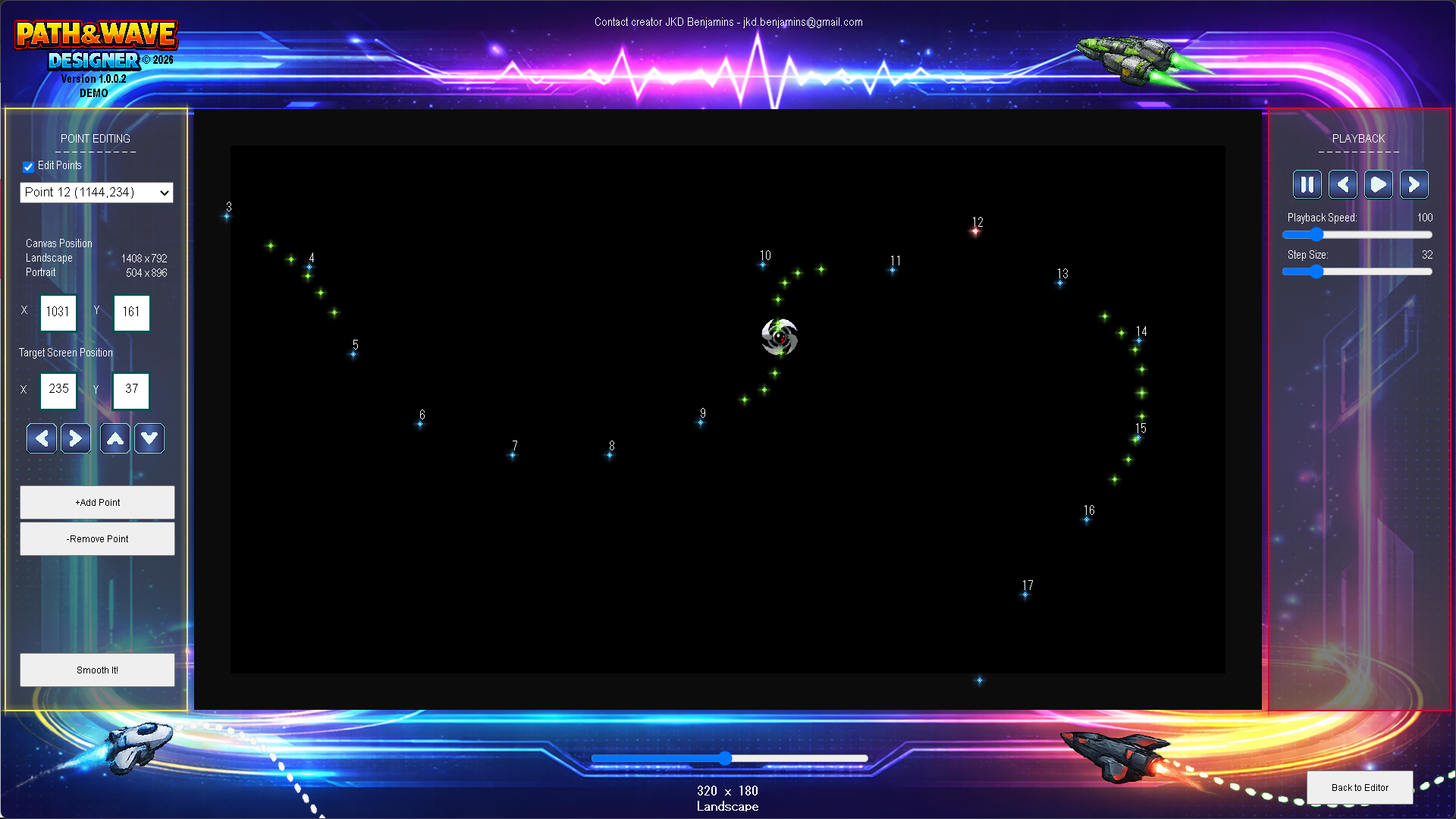
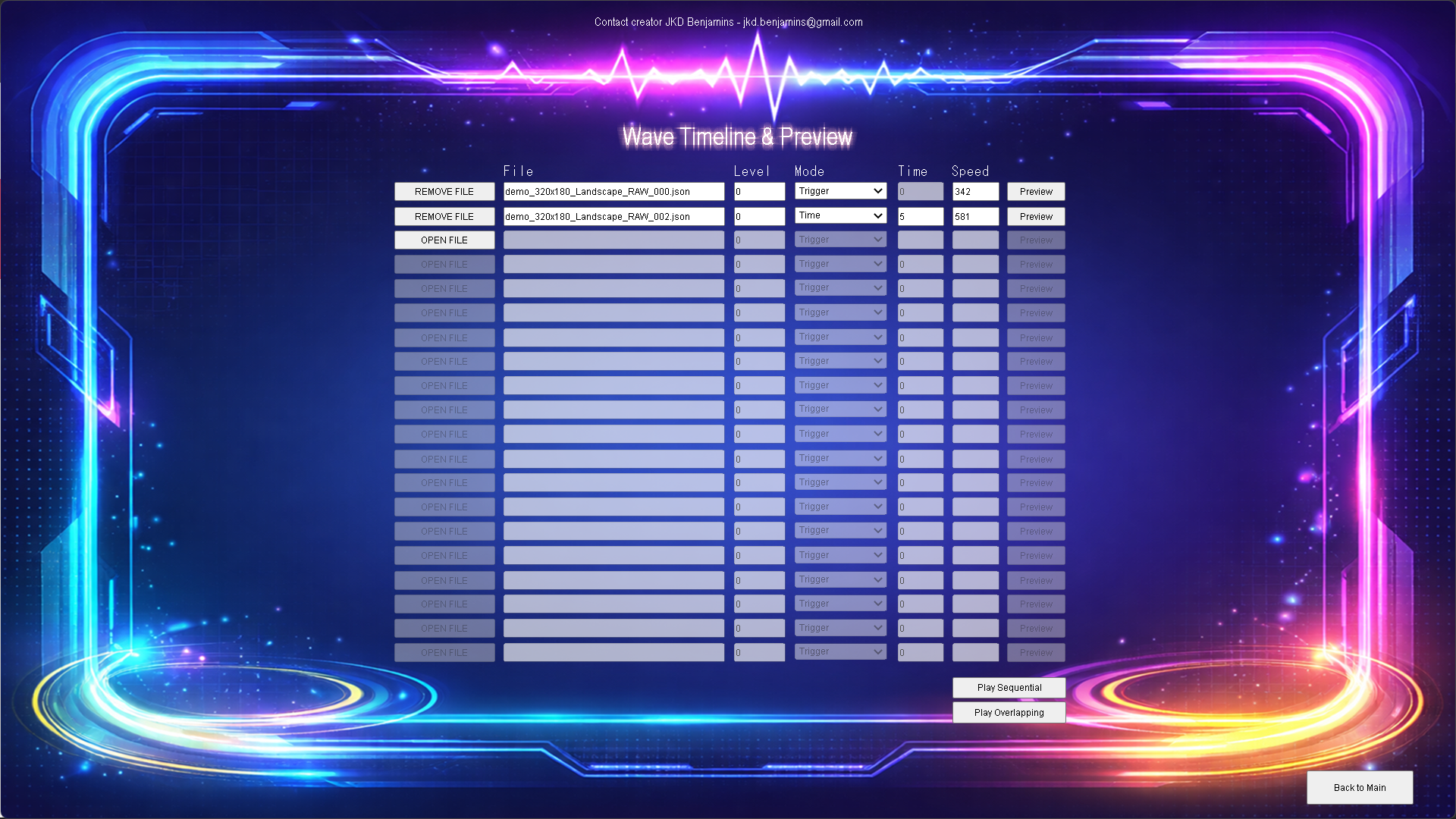
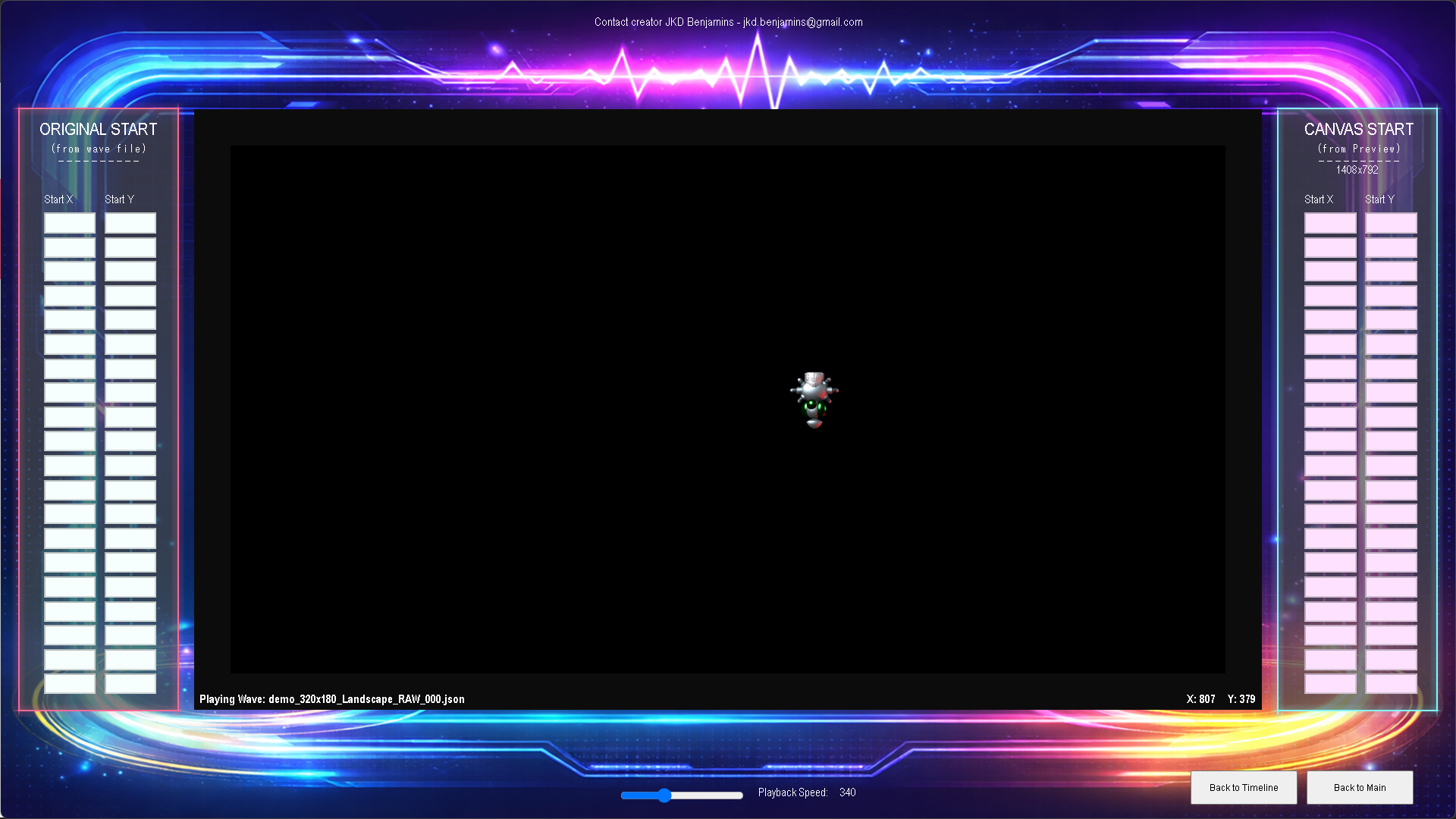
Path & Wave Designer is a utility tool intended to help game developers design, preview, and export movement paths and wave patterns in a precise and resolution-aware way. It allows developers to visually draw paths, edit individual points, preview movement with timeline and playback controls, and automatically convert all data to a target screen resolution and orientation. The resulting data is exported as clean JSON, ready to be used directly in a game without additional manual adjustment.
The tool is capable of handling complex paths with smooth interpolation, distance-based playback, per-point editing, and accurate coordinate mapping between design space and target screen space. By separating visual editing from resolution-specific data storage, it helps developers avoid common scaling and alignment issues and speeds up iteration when tuning enemy waves, camera paths, or scripted movements.
Full release at
https://www.construct.net/en/game-assets/tools/path-wave-designer-5306
Why a public demo matters
Before buying a tool, it really helps to try it in a real workflow. A public demo lets you see how it behaves, how intuitive the UI feels, and whether it actually solves the problem you’re trying to tackle.
With a demo, you’re not relying on screenshots or promises — you can test performance, explore features at your own pace, and be confident it fits your project before spending money. It also makes it easier to give feedback and influence development early on, which benefits everyone in the community.
That’s why I’ve made the Path & Wave Designer demo freely available — so you can explore, experiment, and decide if it’s the right fit for you before purchasing.
The zip file includes the executable, manual, 2 capx example files, and 3 wave files to use in the Timeline Scheduler, GDevelop JSON export, Godot export JSON with project.
Quick note: The demo does not include saving of files.
I’d love to hear your feedback — what feels intuitive, what could be faster, or any suggestions for features you’d like to see in future updates.
Thanks for checking it out, and happy path designing!
Download
Click download now to get access to the following files:
Development log
- Path & Wave Designer Tool — Devlog#62 days ago
- Path & Wave Designer Tool — Devlog#55 days ago
- Path & Wave Designer Tool — Devlog#415 days ago
- Path & Wave Designer Tool — Devlog#321 days ago
- Path & Wave Designer Tool — Devlog#224 days ago
- Path & Wave Designer Tool — Devlog#148 days ago
Leave a comment
Log in with itch.io to leave a comment.